Time Zone Harmony: Tools and Techniques for Smooth Operations
Olivia Harris – Startup Founder – As a busy startup founder, I have found that effective time zone management tools and techniques are essential for keeping my team synchronized across different regions.
Sep 24, 2024 | 7 Minute Read
Juggling Time Zones Like a Pro
Handling time zone differences is a tricky part of hiring developers in India if you’re based in the U.S. You gotta get the right tools and tricks to keep things running smoothly no matter where everyone’s clock is set.
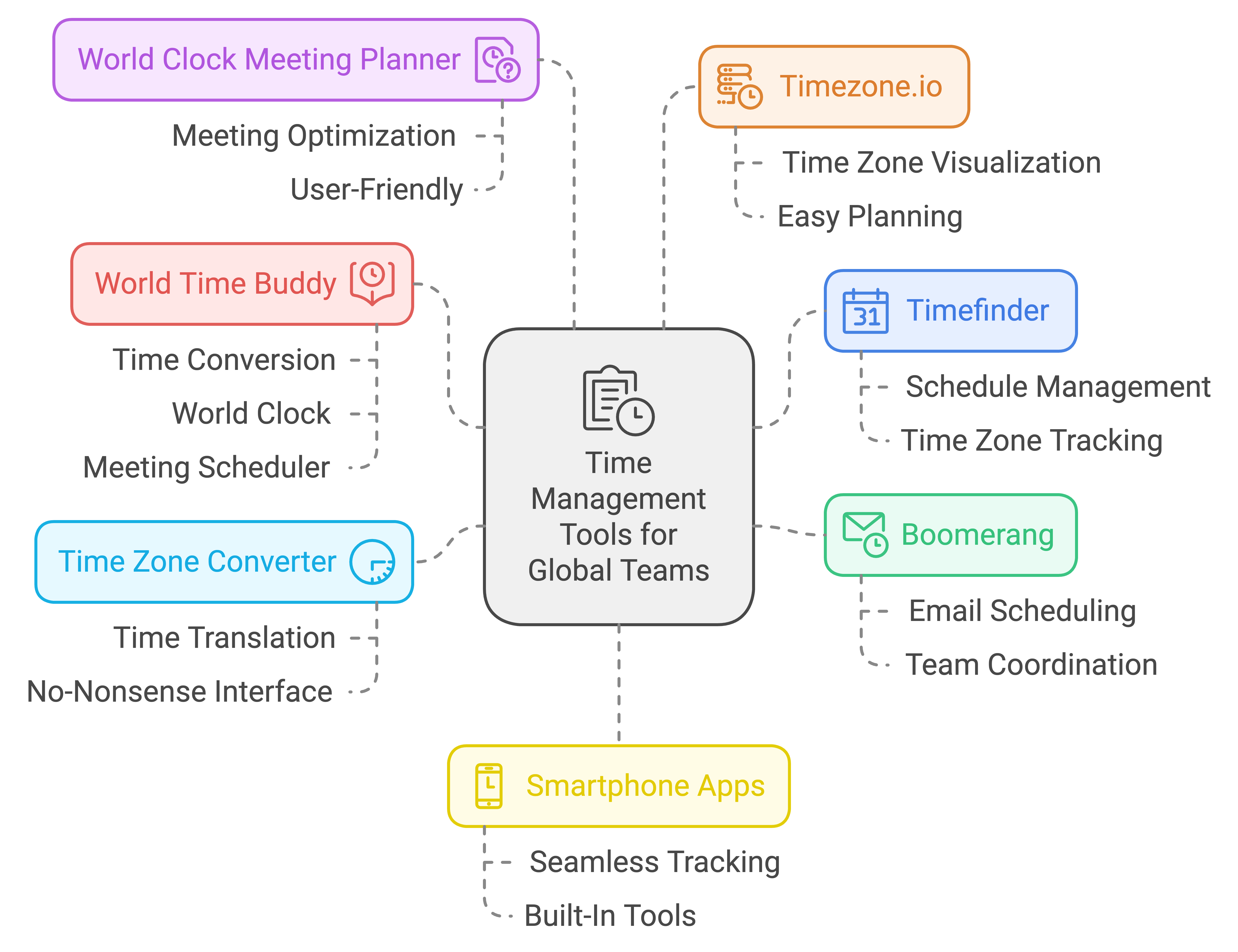
Handy Tools for Time Zone Management
Having the right tools can make managing time zones no sweat. Here are some that stand out:
- Timefinder: This will keep you straight on various time zones and schedules.
- Boomerang: Perfect for setting your email timings so they hit when your team’s online.
- Time Zone Converter: A no-nonsense way to translate times between zones.
- World Clock Meeting Planner: Nails down the best meeting times without giving anyone a headache.
- Timezone.io: Puts your team’s time zones right in front of you for easy planning.
- World Time Buddy: Think of it as a one-stop shop for time zone conversion, world clock, and meeting scheduler.
- Smartphone Apps: Those built-in tools on your phone that help track different time zones seamlessly.
| Tool Name | What It Does | Why It’s Useful |
|---|---|---|
| Timefinder | Tracks multiple time zones | Schedule meetings when everyone’s available |
| Boomerang | Schedules emails | Ensures emails arrive at convenient times |
| Time Zone Converter | Converts time across zones | Makes sure time conversions are spot on |
| World Clock Meeting Planner | Schedules meetings across zones | Finds the sweet spot for meeting times |
| Timezone.io | Visualizes team locations and times | Makes team scheduling a breeze |
| World Time Buddy | Multi-purpose time management | Combines several time management functions into one |
| Smartphone Apps | Built-in time zone tools | Automatically keeps you updated on different time zones |
For extra tips on finding the best developer, swing by our guide on MAGIC OF DATA SCIENCE DEVELOPERS REVEALED
Fair Play in Time Zone Management
Ensuring everyone gets a fair shake despite time zone differences isn’t just fair; it keeps your team humming smoothly. Here’s how to do it:
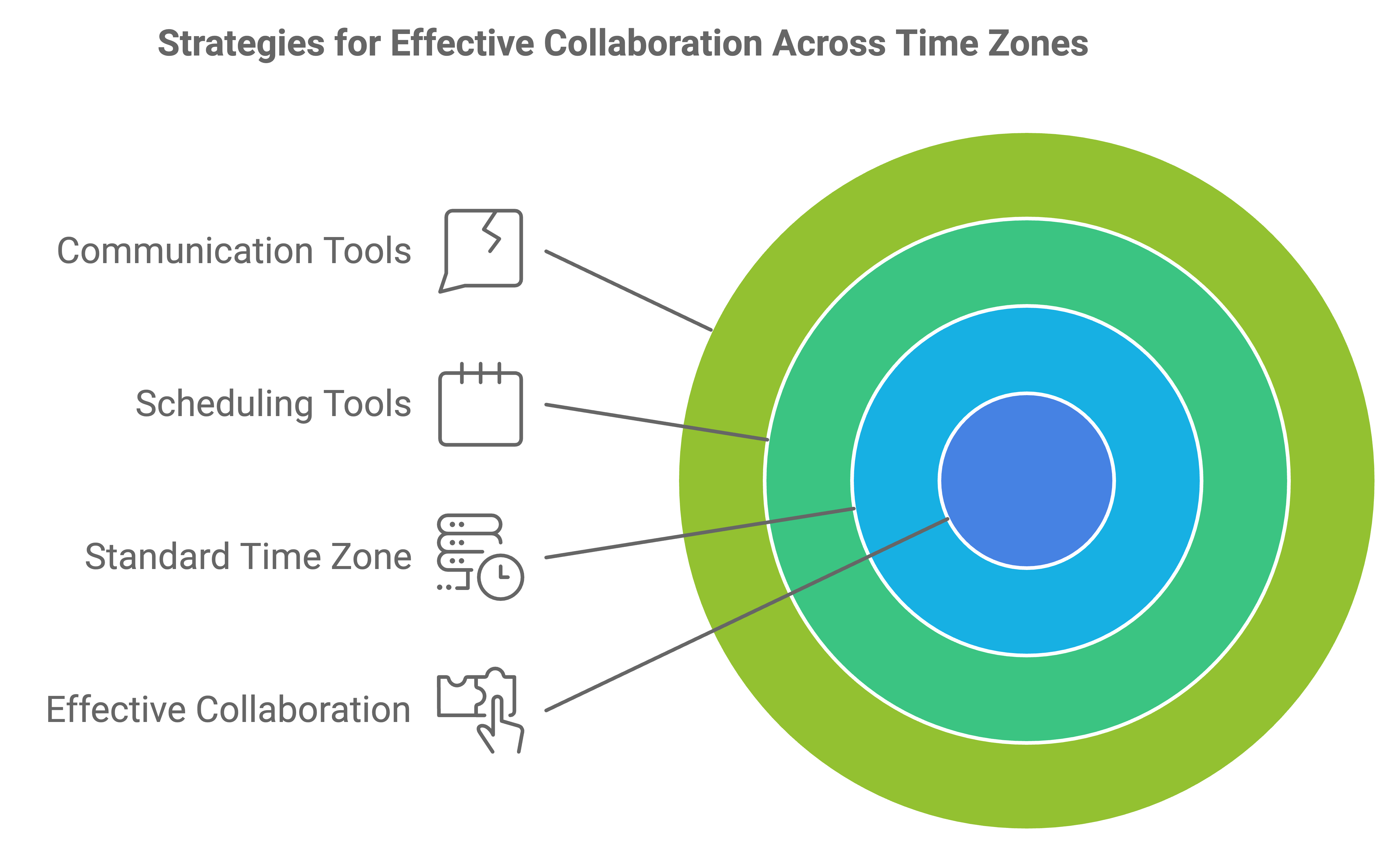
Overlap is King: Focus your main collaborative activities during overlapping work hours. This way, everyone can jump in on important discussions and team tasks together.
Go Asynchronous: Let your team members do their thing outside of overlapping times. This way, everyone’s working when they’re at their best.
Clear Communication Rules: Set clear rules about when and how to communicate. This keeps everyone in the loop without unnecessary pings.
Tech is Your Friend: Use collaboration tools like Slack, Trello, and Asana to keep everything and everyone organized. They help bridge time gaps, making sure no bits of info fall through the cracks.
See the Big Picture: Use visual aids like Timezone.io to map everyone’s time zones. It helps you pick the best times for meetings and group work.
| Technique | What It Means | Why It Helps |
|---|---|---|
| Overlap is King | Schedule important team activities during overlapping hours | Boosts collaboration and cuts down on wait times |
| Go Asynchronous | Let the team work when they’re most productive | Increases productivity and respects personal work habits |
| Clear Communication Rules | Set guidelines for how and when to communicate | Prevents unnecessary interruptions, keeps info flow smooth |
| Tech is Your Friend | Use tools for project management and communication | Enhances coordination across time zones |
| See the Big Picture | Use visual tools to see team time zones | Makes planning meetings and teamwork simpler |
Nailing these techniques will keep everyone happy and your project ticking over nicely.
Get Your Team Talking Right
So you’re leading a spread-out team, huh? Knowing when to chat live or leave notes for later can make a world of difference. Real-time chats, like video calls or instant messaging, are great when you need quick answers or immediate decisions. But let’s be real—coordinating these across time zones can feel like herding cats.
As for the laid-back method, that’s where asynchronous stuff shines. Emails, chat messages, or video updates don’t expect a “right now” response. They’re perfect when you’re spread across different worlds (like, literally). Ever wrapped up your day by sending a huge email to your developers in India, only to find all the answers neatly waiting for you the next morning? It’s like magic, but without the wand.
Want to keep everyone on the same time page? A shared calendar is your best friend. Make sure it’s got everyone’s work hours, focus times, and even personal stuff. No more infinite message ping-pong.
Table: How We Talk
| Type | Medium | Best Use |
|---|---|---|
| Live | Video Calls | Quick decisions |
| Later | Detailed instructions | |
| Live | Chat | Fast questions |
| Later | Video Messages | Complex stuff explained |
Need more help? Check out guides on Deciding on Developers for Niche Technologies in India
Make Your Remote Team Click
Trust is the glue holding remote teams together. Fun fact: remote workers often outshine office folks in productivity. Why? The flex time lets them zone in and get stuff done.
Laying down clear rules for how and when to use chat vs. email helps keep things transparent and fair. Regular check-ins, whether group or one-on-one, keep everyone in the loop and tackle problems early.
Growing your team across borders? Strong relationships are key. Virtual team-building games and regular one-on-ones build that bond without the awkward team-lunch vibe.
We’re talking project management tools like Trello or Jira to track who’s doing what. Keeps everyone on the same page and avoids that “Where are we at?” confusion.
Making a trustworthy, open remote workspace means those pesky time zones won’t trip you up.
Useful Resources:
Introducing Solutions to Solve the Mess of Time Zones
FAQs
How do you manage time zone differences?
Managing time zone differences effectively requires strategic planning and communication:
- Scheduled Meetings: Plan meetings during overlapping working hours that are reasonable for all team members.
- Flexible Work Hours: Where possible, offer flexible working hours so team members can work when they are most productive and still overlap with others for collaboration.
- Time Zone Tools: Utilize time zone management tools like World Time Buddy or Google Calendar’s world clock feature to keep track of different time zones.
- Clear Communication: Ensure all deadlines and meeting times are communicated in everyone’s local time to avoid confusion.
How to manage teams across time zones?
Managing teams across time zones involves several key strategies:
- Overlapping Hours: Identify and set core hours during which everyone is available for meetings and collaboration.
- Asynchronous Communication: Encourage the use of asynchronous communication tools like email, Slack, or project management software, allowing team members to contribute according to their own schedule while keeping everyone informed.
- Regular Updates: Establish a routine of regular updates or stand-ups, which can be conducted asynchronously to keep everyone on the same page.
- Cultural Sensitivity: Be mindful of cultural differences and local holidays, respecting the local customs and work-life balance of all team members.
How can you tackle time zone differences in remote teams as a team manager?
As a team manager, you can tackle time zone differences by:
- Rotating Meeting Times: Rotate meeting times to share the inconvenience of odd hours fairly among team members.
- Written Documentation: Keep detailed written documentation so information is accessible to everyone regardless of when they are working.
- Empowerment and Trust: Empower team members by setting clear expectations and trusting them to meet their objectives without strict monitoring, accommodating their time zone differences.
- Use of Technology: Leverage technology for seamless communication and ensure that all team members have access to the tools they need to perform effectively from their respective time zones.
How do you manage calls in different time frames?
Managing calls across different time frames can be streamlined by:
- Pre-planning: Schedule calls at least a week in advance, using tools like Doodle or When2meet to find the best times that work for all parties.
- Time Zone Rotation: If regular calls are necessary, rotate the call times to ensure that no single team member consistently has to take calls during inconvenient hours.
- Record Meetings: Always record important calls and meetings so those who cannot attend can watch later, ensuring no one misses out on critical information.
- Clear Agendas: Set clear agendas and circulate them before meetings so participants can prepare effectively, making the most of the time spent on calls.