Unlocking Success: Leading Hybrid App Development Services for Startups
Olivia Harris – Startup Founder – Specializing in hybrid-app-development-services.
April 19, 2025 | 9 Minute Read
Benefits of Hybrid Apps
Hybrid apps bring together the best of both native and web tech. They let you hit multiple platforms with one shot. Startups hoping to pinch some pennies without cutting corners will love these perks:
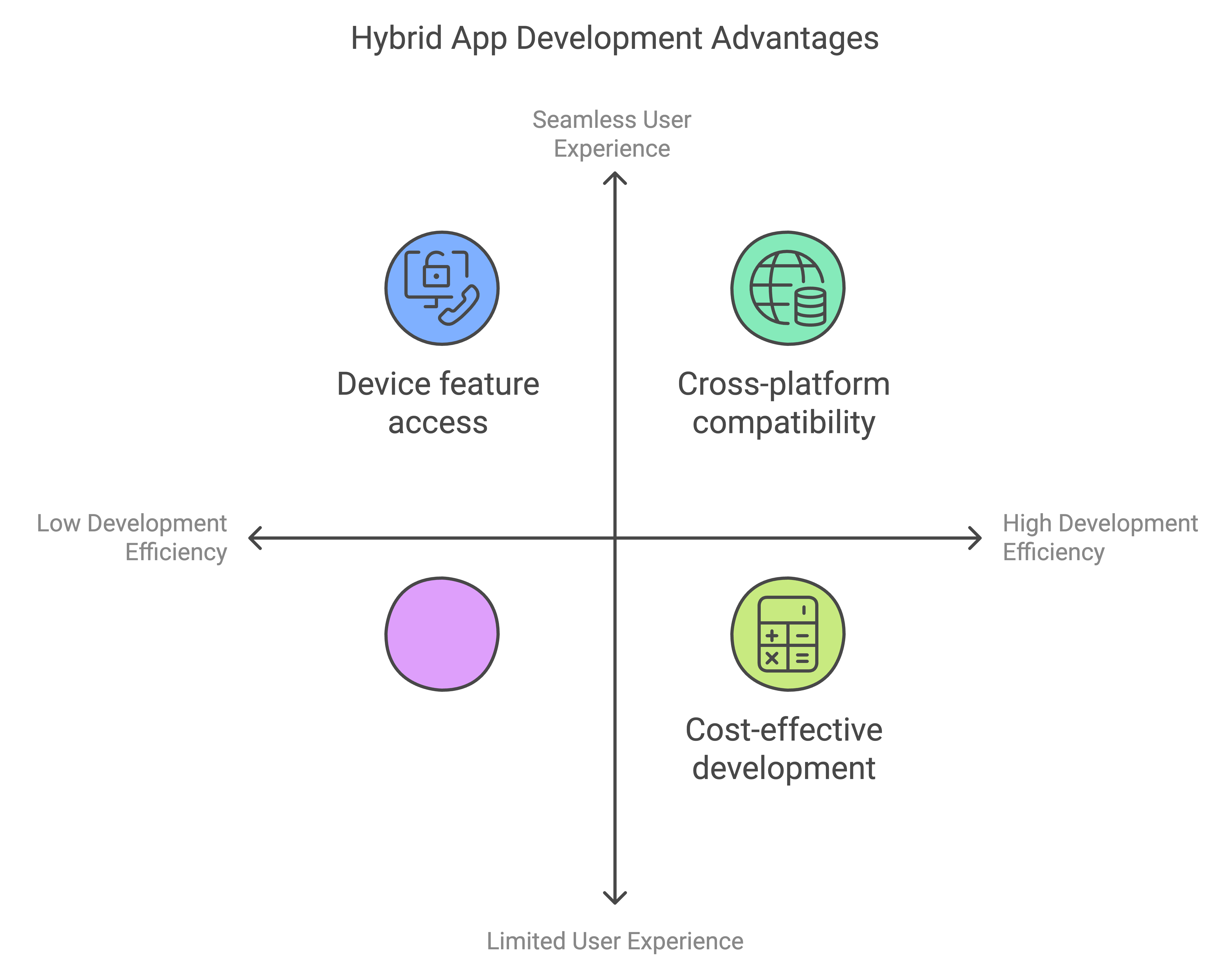
Cross-Platform Magic: Hybrid apps work like a charm on different devices, thanks to familiar stuff like JavaScript, HTML5, and CSS. They conquer both iOS and Android with one swoop, cutting the need to fork out twice for two separate apps. Essentially, you can reach more folks with less hassle.
No Sweat Maintenance: Just one set of code to babysit until forever. Fixes are a walk in the park and roll out everywhere in a flash, unlike the old days of juggling different codes for each system.
On the Radar: Hybrid apps chill in app stores just like their native cousins. Folks can spot, snag, and start using them without fuss, ensuring your app doesn’t go unnoticed.
Speedy Gonzales: Building a hybrid app is like hitting the fast-forward button. With existing web skills, developers turn out and ship apps quicker. It’s perfect for those keen to hit the mobile ground running.
Smooth Sailing: Whether someone’s on an iPhone or Android, hybrid apps rock steady. The user experience remains golden across all platforms, keeping people happy no matter where they’re at.
Cost-Effectiveness of Hybrid Apps
Startups looking to stretch every dollar will find hybrid apps easy on the wallet. Here’s why they’re a budget-friendly superstar:
Cheaper to Build: Whipping up a hybrid app sets you back way less than going full native for iOS and Android separately. Since developers use the same languages, it keeps expenses under control.
Saving on Upkeep: With just one codebase in the mix, looking after and updating your app costs less and needs fewer tech wizards. Troubleshooting becomes a lot swifter too.
| Development Approach | Average Cost (USD) | Time to Market (Months) |
|---|---|---|
| Full Native (iOS & Android) | $100,000 – $150,000 | 6 – 12 |
| Hybrid Approach | $50,000 – $80,000 | 3 – 6 |
Launch Quicker: A one-size-fits-all codebase cuts down the wait to get your app out the door. This quick pace is crucial for snagging users and reacting swiftly to what they want.
Handles Growth: Hybrid apps are ready to grow with your biz, letting you add more bells and whistles without draining the piggy bank. A solid pick for startups planning to scale smoothly.
Smart with Resources: Hiring web-tech savvy devs keeps budgets lean. There’s no need for specialized skills for every platform. Peeking into mobile app development services can shine more light on this smart move.
With these sweet benefits and savings, hybrid app development is a smart and savvy path for startups chasing after a polished, cross-platform mobile app. To dig deeper, look into react native app development services and flutter app development services that fit right into varied business goals.
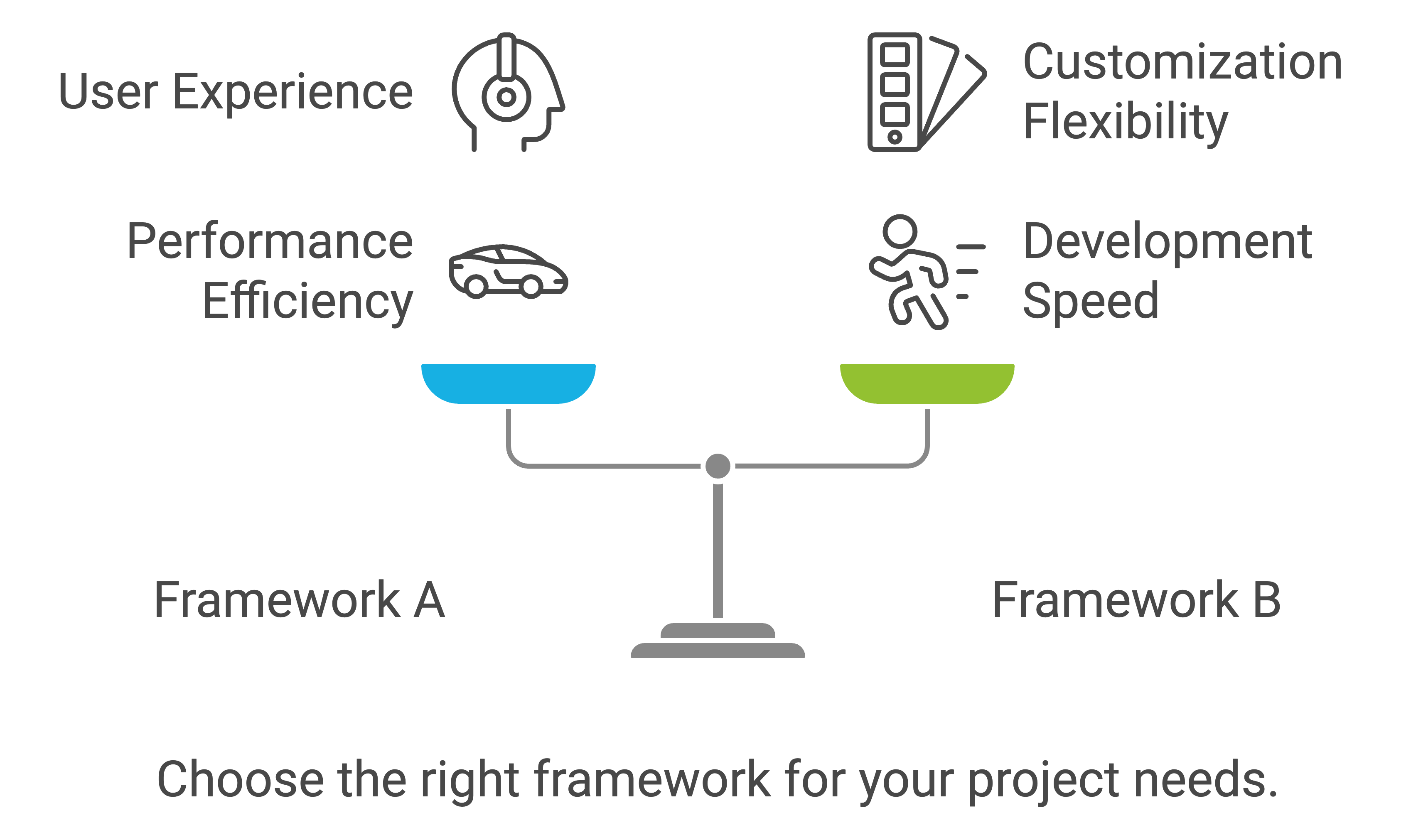
Hybrid Frameworks Comparison
So, you’re hunting around for hybrid app development services and want to pick the best framework for your big idea. Let’s break it down. Here’s a no-nonsense look at some of the top contenders to help startup folks make a smart choice.
React Native vs. Flutter
Outta the gate, both React Native and Flutter are big-league playmakers in the app world. Each has its own bag of tricks—deciding between them is like choosing your favorite child (almost).
React Native:
- Cooked up by Facebook.
- Runs on JavaScript and React—you know, the usual suspects.
- Lets you craft a snazzy interface with real-deal native parts.
- Offers slick performance on both iPhone and Android gadgets.
- Backed by a massive online cheering squad and an ocean of libraries.
Flutter:
- Handcrafted by Google.
- Speaks in the Dart programming tongue.
- Offers a buffet of snazzy widgets ready to be mix-and-matched.
- Zips to native binaries for that turbo-boost performance.
- Fantastic for designers keen on a steady vibe across screens.
| Feature | React Native | Flutter |
|---|---|---|
| Language | JavaScript, React | Dart |
| Performance | High (native lovin’) | High (zips to native power) |
| UI | Native components | Endless widget variations |
| Community Support | Big (it’s got a fan club) | On the rise, fast and furious |
| Learning Curve | Easy-peasy (if JS is your thing) | Not too tricky (if you don’t mind Dart) |
Testing Hybrid Apps
Kicking the tires in hybrid app development isn’t just a tick-off-the-list activity; it’s how you make sure your app runs like a charm. Let’s chat about why fiddling with real gadgets can up your game and peek at some handy tools that can make your life easier.

Importance of Real Device Testing
You can’t beat the reliability of real device testing—it’s your front line for catching quirks that might sneak past emulators, like network flutters, battery drain, or iffy hardware interactions. Start-ups and budding tech wizards? Make a pal out of trusty mobile app development services to help iron out those kinks.
Why go real? Let’s break it down:
- Network Feels Real: You get the real-deal experience under sketchy signal scenarios or when Wi-Fi ghosts you.
- Battery Smarts: Figuring out if your app’s a battery hog—keep those energy vampires in check.
- Hardware Hug: Emulators can’t mimic the way your app buddies up with cameras or GPS like the genuine articles can.
Tools for Testing Hybrid Apps
A stack of tools is at your fingertips, ready to lift the heavy testing load across gadgets and system flavors. Here’s a short list of testing wizards for hybrid apps to help you out:
| Tool | Features | Supported Platforms |
|---|---|---|
| BrowserStack | It’s like a gadget hotel—test across countless device-browser-OS mixes | Android, iOS |
| Firebase Test Lab | Robo-test your app on endless devices hosted on Google’s colt cloud; hooks into your CI/CD groove | Android, iOS |
| Appium | Coders’ choice for hands-off testing on real toys; good for all app kinds | Android, iOS |
| SonarQube | Your app’s clean-up crew for bugs and weird bits in code | Cross-platform |
| Xcode | The iOS app test-tube; absolutely loaded with tools for bug-busting | iOS |
| Android Studio | The Android dev den; jam-packed with ways to sort your code chaos | Android |
Jumping into BrowserStack for both native and mixed apps is about aligning your testing mojo: key function tick-offs and making sure your app plays nice across all tech settings. With pals like SonarQube, Android Studio, and Xcode, you’ll snag and solve pesky problems, boosting your code’s creds.
Mix up auto and hands-on testing styles for a full-circle approach to shake out glitches and give users a buttery-smooth ride. Plugging real device testing into your workflow means fewer oopsies and sets your hybrid apps on the path to glory. For even more choices, swing by our custom app development services.
Hybrid Application Development Best Practices
Hybrid application development has distinct advantages for companies, however, there are various factors that need to be considered for a seamless experience for users. Let’s address two of these challenges: ensuring or limiting the dependency on the hardware and working in instances where Internet connectivity is not available.
Dependence on Device Hardware
Rather than creating individual apps for every operating system, hybrid apps can be seen as a more cost effective. However, there is noticeable loss in terms of device hardware capabilities. This is evident for native apps which are optimized for Android or iOS only allowing for the best usage of a phone’s hardware.
The challenge however is that hybrid apps do not have as good compatibility with device hardware and infringes on some functions that the user may want to perform. For example, Native apps perform better then hybrid apps when it comes to graphical or camera usage. Hence why many organizations focus on developing native apps for one platform, such as iOS app development or android app development of a specific interface at first to perfect functionality, then incorporate hybrid application development solutions.
Challenges Of Using Offline Applications
Achieving an offline mode on your app is critical particularly in case where internet connectivity is not stable. While Hybrid applications may utilize HTML5 to fetch some information beforehand, in the case of an absence of any service, native applications will share supremacy. Native applications can harness the device storage and other resources to ensure that the user is not staring blankly at the application.
For instance, consider a meditation or gaming app, there is no doubt that going native would provide a seamless experience when “zen” or playing games required the users to be “offline”. There are cases when an app needs to be functional offline though no such scenario needs to be required, cases like which seeking app development companies that narrow down on custom app development services might be fruitful. Moreover, engaging healthcare app development services or e-commerce app development services will carve out the necessary offline workarounds required for difficult situations.
Useful Resources:
Hybrid App Development In 2024 Things to know
FAQ
1. What is hybrid app development?
- Definition: Hybrid app development refers to creating applications that work on multiple platforms (iOS, Android, etc.) using a single codebase. These apps are built with web technologies like HTML, CSS, and JavaScript and run inside a native container.
- How it Works:
- The app uses a WebView to display content or interacts with native device features using frameworks like Ionic, Flutter, React Native, or Cordova.
- Benefits:
- Faster development time.
- Cost-effective compared to building separate native apps for each platform.
- Easier maintenance with a single codebase.
2. How much does it cost to develop a hybrid app?
- Cost Range: $10,000 to $150,000+, depending on the app’s complexity and features.
- Factors Affecting Cost:
- Features and Functionality: Basic apps (e.g., informational apps) are cheaper, while apps with advanced features (e.g., geolocation, push notifications, AR/VR) cost more.
- Development Framework: Costs depend on the framework (e.g., Flutter, React Native).
- Team Location:
- Developers in the USA or Western Europe: $50–$150/hour.
- Developers in Asia or Eastern Europe: $20–$50/hour.
- Development Time: Apps with more features or higher customization take longer and cost more.
3. What is the biggest disadvantage of hybrid apps?
- The main disadvantage of hybrid apps is performance limitations compared to native apps. Key challenges include:
- Slower Performance: Since hybrid apps rely on WebViews, they may not perform as fast or as smoothly as native apps for resource-intensive tasks (e.g., gaming).
- Limited Access to Native Features: Although modern frameworks like Flutter and React Native bridge many gaps, some platform-specific features might still require custom native development.
- User Experience: Hybrid apps may lack the polished, platform-specific design and responsiveness of fully native apps.
- Debugging Challenges: Debugging hybrid apps can be more complex due to dependencies between web and native layers.
4. Are hybrid apps worth it?
- Yes, hybrid apps are worth it in certain scenarios:
- Cost and Time Efficiency: Ideal for startups or businesses with limited budgets looking to quickly launch on multiple platforms.
- Cross-Platform Reach: A single codebase allows faster updates and feature rollouts across Android and iOS.
- Maintenance: Easier to maintain since you only manage one codebase.
- When They Are Not Worth It:
- If your app requires high performance (e.g., gaming or AR/VR).
- If you need access to advanced, platform-specific features.
- For apps where a seamless user experience is critical.