Transforming Visions into Reality: Superior iOS App Development Services
Liam Hayes – Startup Founder – Specializing in iOS app development services.
April 6, 2025 | 8 Minute Read
Essential Features for Mobile App Development
Building a mobile app ain’t just about making it work; it’s about making it click with users. Startups gotta focus on some crucial bits if they want users to stick around—and not just window-shop. A few big-ticket items like getting folks signed up and keeping them locked in with push notifications can make all the difference.
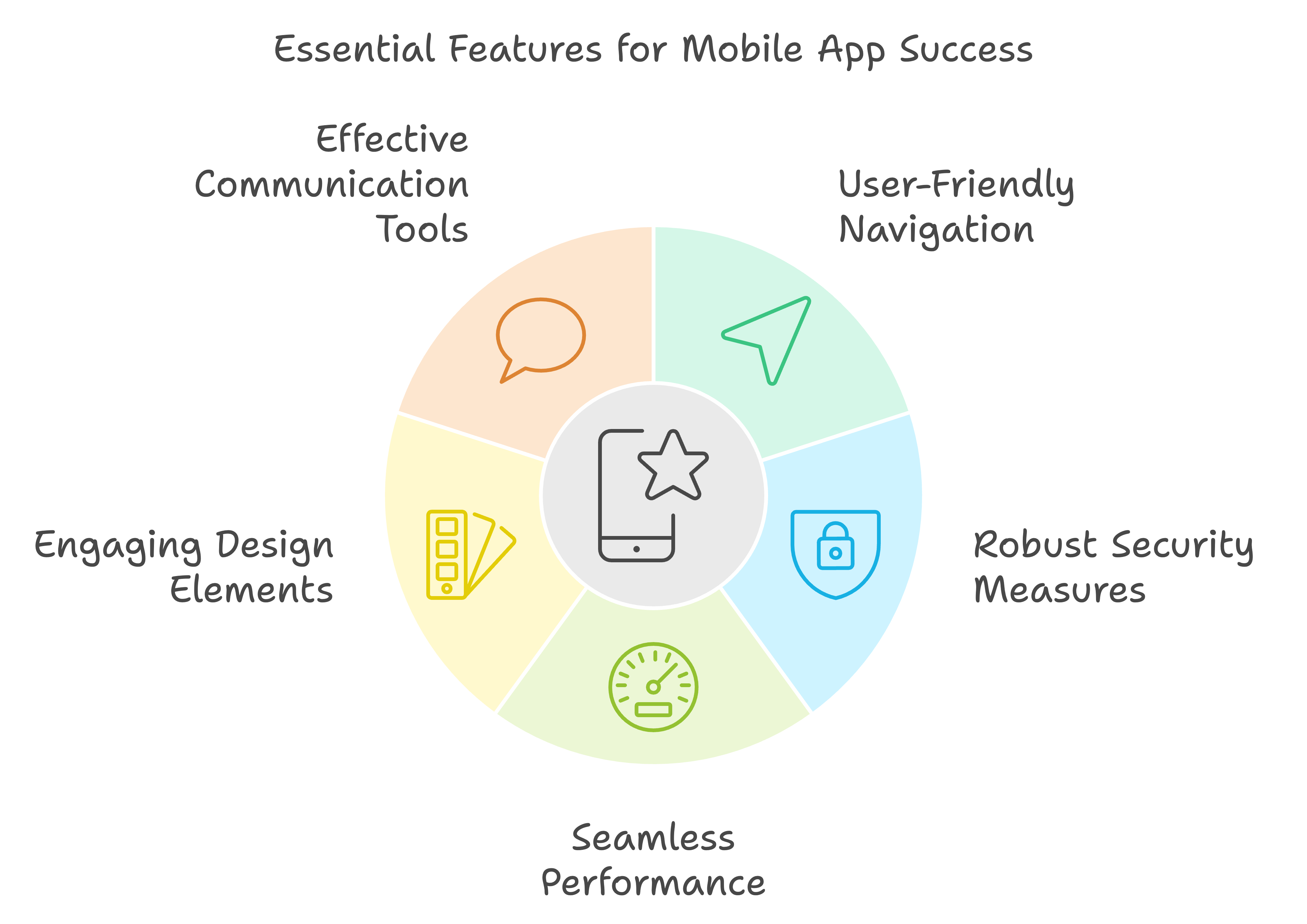
User Registration and Profile Management
Getting users on board and letting them fiddle with their personal settings is super important. Nobody likes jumping through hoops just to make an account or update some info, so these processes need to be easy peasy and locked down.
User Registration: Give them loads of options to sign up—email, phone number, those nifty social media logins—everybody loves fewer hassles, right? Plus, secure things with two-factor authentication. It’s like adding a bouncer to the club that is their account.
Profile Management: Let them tweak their info, preferences, and whatever else. It’s like giving them a blank canvas—and who doesn’t want to paint their own masterpiece?
| Feature | How Much It Matters |
|---|---|
| Various Ways to Register | Big Deal |
| Double Layer Security (2FA) | Super Big Deal |
| Changeable Profiles | Big Deal |
Get the lowdown on making user profiles simply awesome by checking out our mobile app design and development services.
Push Notifications and User Engagement
Push notifications are like your app’s voice—keep it whispering sweet nothings instead of yelling out loud. It’s all about striking the perfect balance between “Hey, don’t forget about me!” and “Ugh, you again?”
Push Notifications: Pop in with reminders, deals, or juicy news at the right time without being a pest. Let users decide what they wanna fix their eyes on.
User Engagement: Beyond push notifications, spice things up with in-app chats, timelines, or loyalty rewards—whatever makes them wanna hang out more in your app playground.
| Feature | How Much It Matters |
|---|---|
| Timely Alerts | Super Big Deal |
| Flexible Notification Settings | Big Deal |
| In-app Chatting | Kinda Important |
Wanna nail those push notifications, so they actually hit home? Peek at our guide on mobile app development services.
By slipping these must-have features—getting users on board, personalizing stuff, and smart notifications—into your app, you’re building an experience that’s not just sturdy but also engaging. For the ins-and-outs on creating apps for specific industries, swing by our custom app development services.
Key Features for a Smooth User Experience
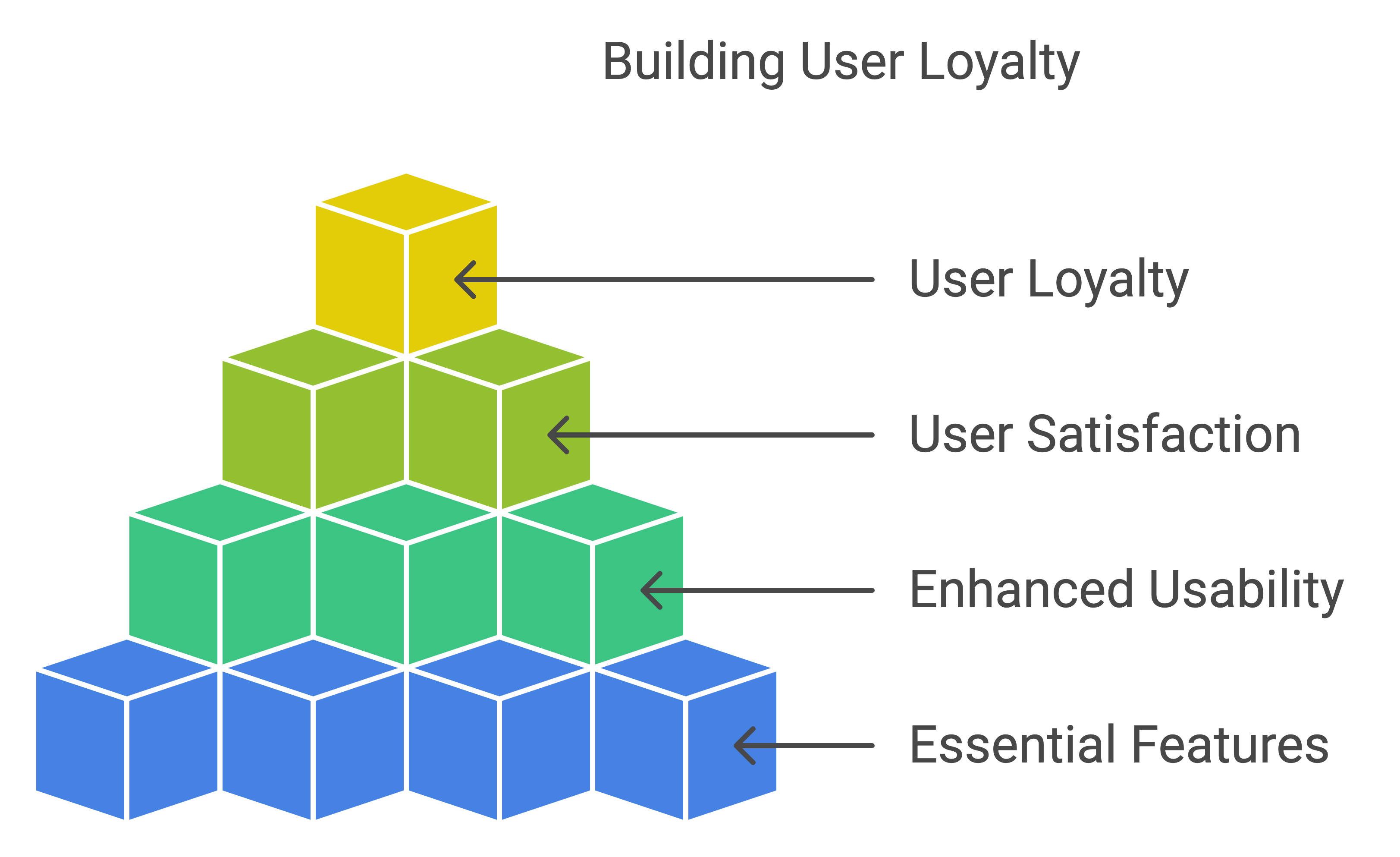
Making an app that’s easy to use can be a game-changer, especially when there’s so many choices out there. This part spills the beans on must-have features like keeping track of where you are, finding stuff fast, and working offline. These goodies make using an app feel like a breeze.
GPS and Where-You’re-At Services
Using GPS is like giving your app a superpower. Whether it’s for directions, hunting down local spots, or keeping tabs on your food delivery, it just makes everything better. Apps tap into your phone’s GPS to nail down your location, which means users get a tailored experience.
Cool Perks:
- Spot-on directions and maps
- Offers and tips based on where you are
- Better tracking for delivery apps
| Feature | What It Does for You | Who’s Using It |
|---|---|---|
| Real-time Directions | Plans your route like a boss | Google Maps, Uber |
| Local Hints | Sweet deals and tips nearby | Yelp, Airbnb |
| Delivery Updates | Track that pizza! | Postmates, DoorDash |
If you’re thinking about iOS app magic, throwing in GPS features can score big points with users and keep them coming back.
Find-It Button and Offline Mode
A killer search bar is like the app’s sidekick. It should work fast, offer ideas as you type, and let you use filters to zero in on what you need.
Awesome Upsides:
- Fast and smooth searching action
- Keeps folks around longer with hassle-free finding
Offline mode is your app’s backup plan for when Wi-Fi disappears. Ideal for dodgy signal spots, it keeps things rolling no matter what.
| Feature | What It Gives You | Who Nails It |
|---|---|---|
| Search with Bells and Whistles | Quick and spot-on results | Spotify, Amazon |
| Offline Power | Access anytime, no bars needed | Google Drive, Pocket |
With custom mobile app know-how, you can jazz up your app with sharp search tools and offline powers to keep users smiling.
If you’re aiming for even more, explore things like hooking up APIs, checking out analytics, or slick payment options. You’ll find the scoop on our mobile app services page.
Add these must-haves to your app, and folks won’t just find it handy; they’ll love it. For tailor-made ideas, dive into our custom app solutions.
iOS vs. Android App Development Features
API Integration and Analytics Tools
Picking iOS or Android for app development? That’s like choosing between pizza or tacos – it depends on what you’re after! A biggie to weigh is how easy it’ll be to work in APIs and use analytics tools. APIs are the MVPs of adding cool stuff like GPS and location services right into your app.
| Feature | iOS | Android |
|---|---|---|
| Core Programming Language | Swift | Java |
| Official IDE | Xcode | Android Studio |
| Analytics Tools | Apple Analytics, Firebase | Google Analytics, Firebase |
| Native API Access | HealthKit, CoreLocation | Google Fit, Location API |
iOS developers have Xcode, their secret weapon for weaving in Apple’s native APIs like HealthKit and CoreLocation. Meanwhile, Android developers get their hands on Android Studio, loaded with tools and libraries through the Android SDK. Both teams have Firebase for top-notch analytics, but iOS takes a little edge with Apple Analytics, giving extra juicy insights into user behavior on the iOS apps.
Payment Gateways and E-commerce Functionality
When you’re mixing e-commerce into apps, it’s all about hooking up payment gateways that are both safe and a breeze to use. The trickiness and price tag of this setup can swing a lot between iOS and Android options.
| Feature | iOS | Android |
|---|---|---|
| Payment Gateway Integration | Apple Pay, Stripe | Google Pay, Stripe |
| E-commerce Solutions | Shopify SDK, WooCommerce | Magento SDK, WooCommerce |
| Development Cost | Moderate | Higher |
| Device Fragmentation | Low | High |
For iOS, Apple Pay is the go-to, paired up with Stripe for smooth payments. Since there are fewer iOS devices and OS versions to worry about, developers can zip through creating and testing, saving cash on setup and getting to market quicker.
On the flip side, Android comes with a twist– loads of different devices and OS versions mean more hoops to jump through. Google Pay is solid for payments, but it’ll take longer and cost more to cover all those bases. Still, Android offers tools like Magento and WooCommerce for flexible e-commerce magic.
If you’re a startup boss on the hunt for affordable app developers, it’s key to see how each platform handles API hookups and payment setups. Both packs are strong, but knowing the tricks might point you to the best combo of cost and user joy.
Curious about our pro development services? Peep our options in iOS mobile app development services and android app development services.
Specialized Features for Industry-Specific Apps
Airlines and Aviation Apps
Airlines and aviation apps gotta have some exclusive features that cater to jetsetters and keep the bird in the sky running smoothly. These nifty features make flying the friendly skies even friendlier and keep things humming along backstage. This toolkit includes:
- Flight Booking and Management: Your ticket to ticketing — hunt down flights, bag your seats, and juggle those reservations.
- Real-Time Flight Status Updates: Stay in the loop with live flight updates. No more guessing if you’re sky high or stuck on the tarmac.
- Seat Selection Options: Pick your throne before takeoff — get that window seat or make sure you’re not too close to the loo.
- Airport Information and Maps: Maps that make airport chaos a breeze, guiding you like a digital Sherpa through the terminal maze.
| Feature | Description |
|---|---|
| Flight Booking and Management | Search flights, book tickets, manage reservations |
| Real-Time Flight Status Updates | Live updates on flight status, delays, gate changes |
| Seat Selection Options | Choose preferred seats during booking |
| Airport Information and Maps | Detailed airport maps, terminal navigation |
Healthcare and MedTech Apps
Healthcare and MedTech apps wear many hats for both patients and docs, offering a ton of features to make managing health as easy as pie. Check out these life-savers:
- Appointment Scheduling: Quick and easy ways to fix, flip, or bail on those check-ups.
- Telemedicine Consultations: Doctor in your pocket with video calls — when heading out just isn’t happening.
- Health Records Access: Granting VIP access to your medical history — no more losing paper trails.
- Medication Reminders: Nifty nudges to make sure those pills pop on time.
- Caregiver Coordination Tools: Handy helpers for caregivers to keep patient care on track.
| Feature | Description |
|---|---|
| Appointment Scheduling | Book, modify, cancel medical appointments |
| Telemedicine Consultations | Virtual doctor visits via video calls |
| Health Records Access | Secure access to medical records |
| Medication Reminders | Notifications for medication intake |
| Caregiver Coordination Tools | Manage and coordinate patient care |
Discover more on making apps that heal here.
Creating special apps for different fields means truly getting what each sector needs and what makes it tick. Our ios app development services handcuff need with expertise to turn bright ideas into bright realities. Snoop around our custom mobile app development services for tailor-made solutions that fit like a glove.
Useful Resources:
iOS App Development for Beginners: A Step-by-Step Guide to Developing Your First iOS App